
The scenario
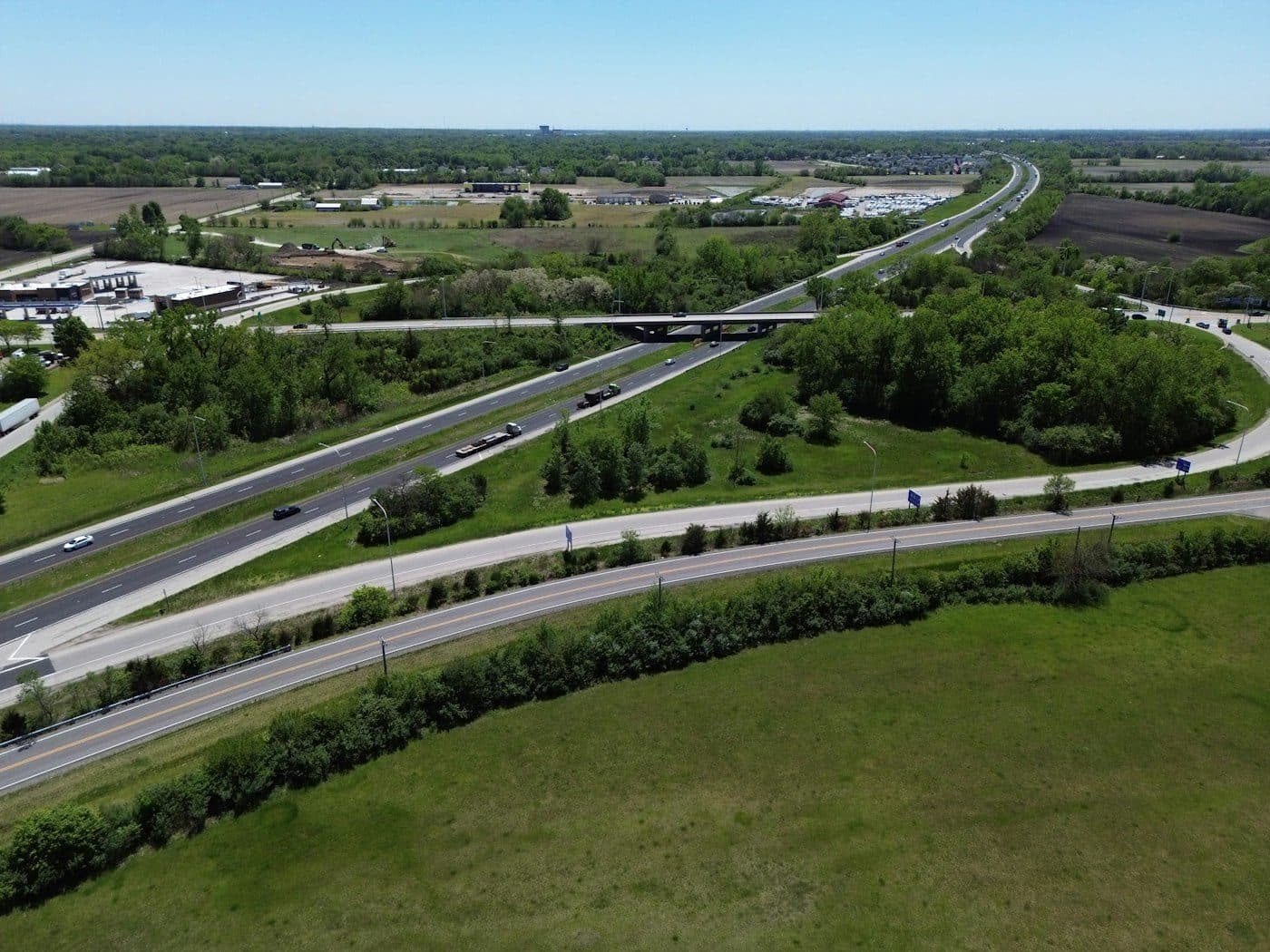
Arteris specializes in highway management, with concessions in Brazil's South and Southeast. Engineering managed its projects in Project Online and needed a new solution:
Engineering projects in Project Online
Platform retirement announced by Microsoft
Need for a new solution
How ProjectSA solved it
- 1
Migrate settings and features
ProjectSA started migrating engineering to OnePlanner with the settings and features.
- 2
Migrate the project content
Next, it migrated the project content.
- 3
Work with Project Desktop
Engineering started using OnePlanner integrated with Microsoft Project Desktop. At the same time, Arteris's IT area also adopted OnePlanner.
PlatformBefore: Project Online, with retirement announcedWith OnePlanner: OnePlanner integrated with Microsoft Project Desktop
SettingsBefore: Engineering settings and features in Project OnlineWith OnePlanner: Settings and features migrated
Results
Project DesktopOnePlanner integrated with Microsoft Project Desktop.
SettingsEngineering settings and features migrated.
ProjectsEngineering project content migrated.